 SentnelOps
Humans — tenants, accounts & RBAC
Tenants, user accounts, and role-based access control. The layer that gives the people operating SentnelOps the same discipline the platform demands of agents.
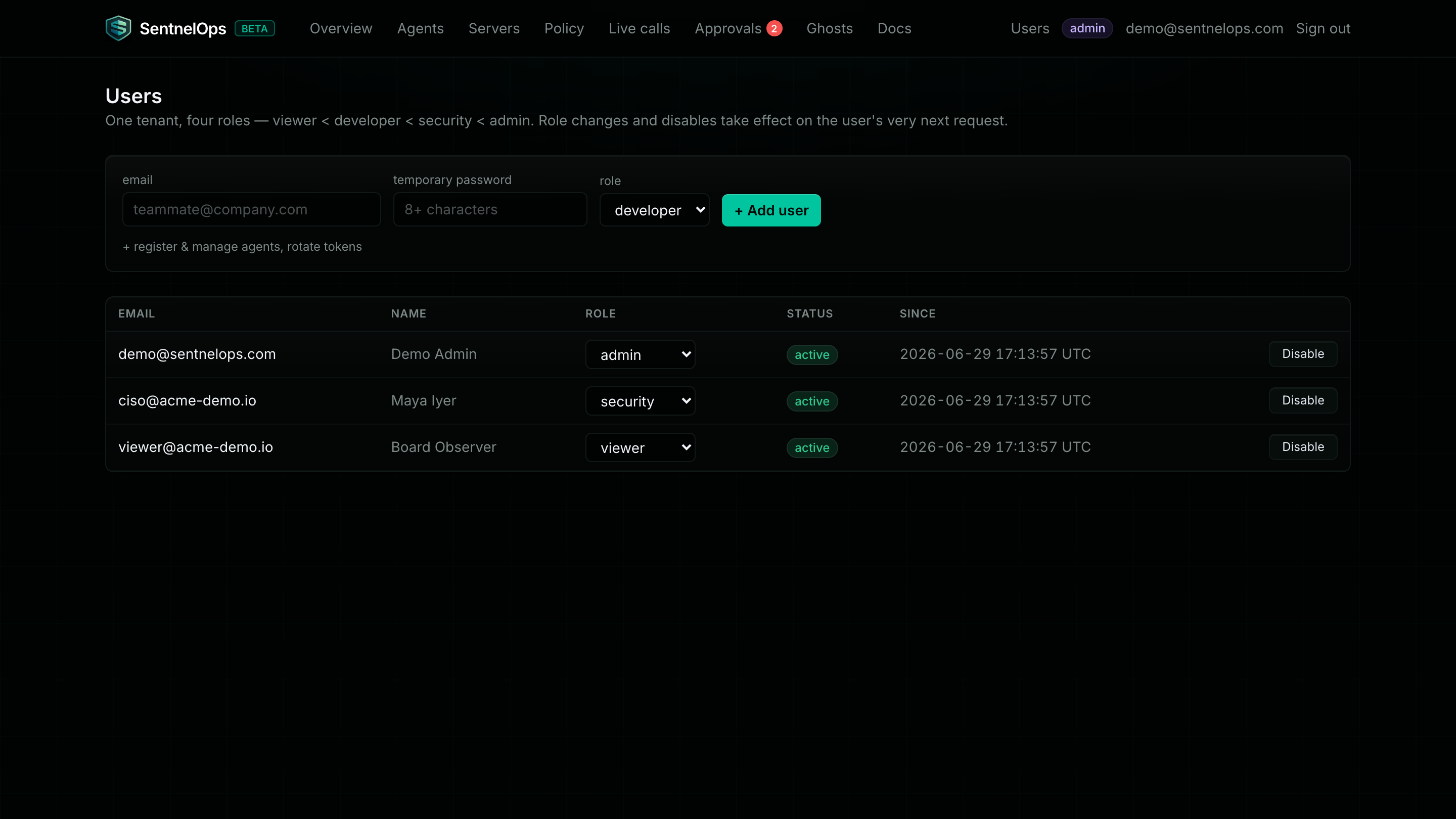
A governance platform whose own operators are anonymous fails its own bar. Layers 1 through 4 insist that every agent be named, owned, and role-limited — it would be absurd if the humans clicking Approve and Suspend were an undifferentiated shared login with a shared key. Layer 5 closes that loop: every person gets their own account inside a tenant, with one role from a strict hierarchy (viewer < developer < security < admin), and every account mutation lands in the same append-only audit log that records what agents do.
Humans get identities too — and those identities behave the way you would hope. Sessions are short-lived, and the account row is re-checked on every request, so disabling a person or demoting their role takes effect on their very next call. The org's machine API key keeps working exactly as it did before this layer existed, so no SDK, CI job, or integration breaks; it simply becomes one principal among several, each mutually unusable in the others' place.
At a glance
| What it governs | Who may read, change, approve, or administer anything in your tenant — humans and machines alike |
| Key objects | Org (the tenant), user account, role, session token |
| Where it lives | Dashboard: /settings/users, /login, /register · API: /orgs/register, /auth/*, /users |
| Depends on | Layer 1's org — the org has been the tenant boundary since identity; this layer adds people to it. See the five layers. |
| Consumed by | Every other layer's permissions — each endpoint declares a minimum role, from reading the registry (viewer) to deciding layer 4 approvals (security). |
When you need this layer
The moment a second person touches the dashboard. One founder with the org API key in a password manager is survivable; two engineers sharing it is an audit trail that says "api-key" did everything. You also need it the day someone asks for read-only access — a CISO or auditor should see everything and change nothing, which is exactly what the viewer role is. And you need it before your first real approval decision, because approvals recorded against a named person are the whole point of having them.
Honest limits
| Limitation | What it means today |
|---|---|
| No forgot-password flow | There is no reset email. A logged-in user changes their own password via POST /auth/password; if a password is lost, the user-update endpoint cannot set a new one either — an admin's options are to disable the account and create a fresh one, or (self-hosted) update the database row directly. |
| No SSO yet | Accounts are email + password (bcrypt). SAML/OIDC single sign-on is a roadmap item, not a product feature. |
| Email is globally unique | One email address = one account across all tenants — login needs no tenant discriminator, but the same person cannot join two orgs with the same address. |
Every layer's limitations are catalogued with the same honesty on The five layers.